mirror of
https://github.com/debauchee/barrier.git
synced 2026-10-23 08:07:53 -06:00
[GH-ISSUE #131] Qt_5.10 not found, What to do?! #105
Labels
No labels
HiDPI
bounty
bsd/freebsd
bsd/openbsd
bug
bug
build-infra
cantfix
critical
doc
duplicate
enhancement
fix-available
from git
from release
good first issue
help wanted
installer/package
invalid
linux
macOS
meta
needs testing
pull-request
query
question
regression
regression
v2.4.0
windows
wontfix
work-in-progress
No milestone
No project
No assignees
1 participant

Notifications
Due date
No due date set.
Dependencies
No dependencies set
Reference
github-starred/barrier#105
Loading…
Reference in a new issue
No description provided.
Delete branch "%!s()"
Deleting a branch is permanent. Although the deleted branch may continue to exist for a short time before it actually gets removed, it CANNOT be undone in most cases. Continue?
Originally created by @SirThana on GitHub (Sep 15, 2018).
Original GitHub issue: https://github.com/debauchee/barrier/issues/131
Hi i'm running face first into a wall here..
I've installed Qt_5.10 as is but i'm still getting the following error when i run the file barrier:
/Utilities/Barrier/barrier-2.1.0-Linux/bin/barrier: /usr/lib/x86_64-linux-gnu/libQt5Core.so.5: version `Qt_5.10' not found..
I'm a really big linux noob and have been searching searching down every forum to find a solution to this with no luck.
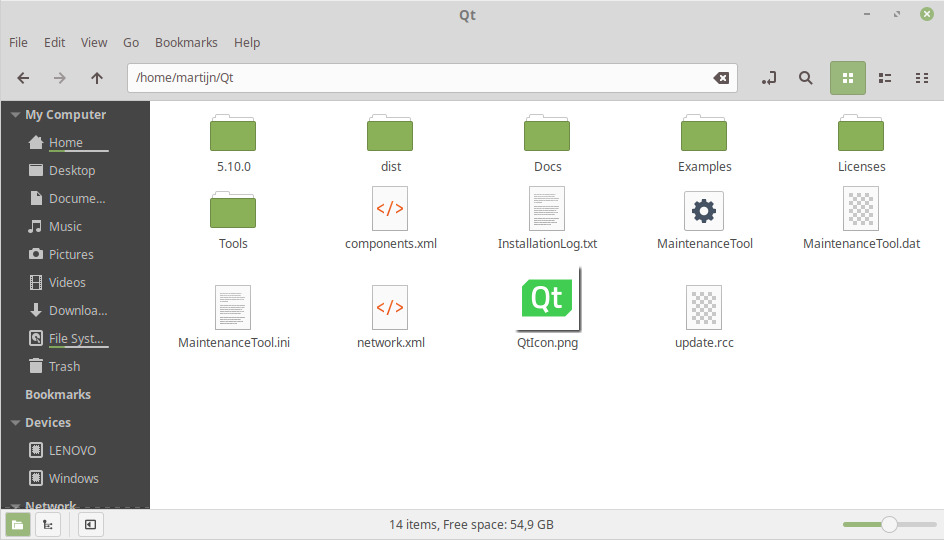
Any ideas what i can do to fix this issue?
(I'm running Linux Mint 19 Tara)
@AdrianKoshka commented on GitHub (Sep 15, 2018):
You might want to look at issue https://github.com/debauchee/barrier/issues/28#issuecomment-392904132
@SirThana commented on GitHub (Sep 15, 2018):
Hi thanks for your response,
I just read through it and gave the steps a go with no progress. I'm starting to get vibes this might just never work on linux mint 19 hehe..
I read the CMakeOut.log and can't make cake out of, maybe any of you can?
Super grateful for any help or tips, again i'm just a Linux noob trying to find my way around using the system
@AdrianKoshka commented on GitHub (Sep 15, 2018):
It seems you either didn't install the avahi library, or CMake can't find it for some reason.
$ sudo apt install libavahi-compat-libdnssd-dev@SirThana commented on GitHub (Sep 15, 2018):
I tried that earlier and it came back with this
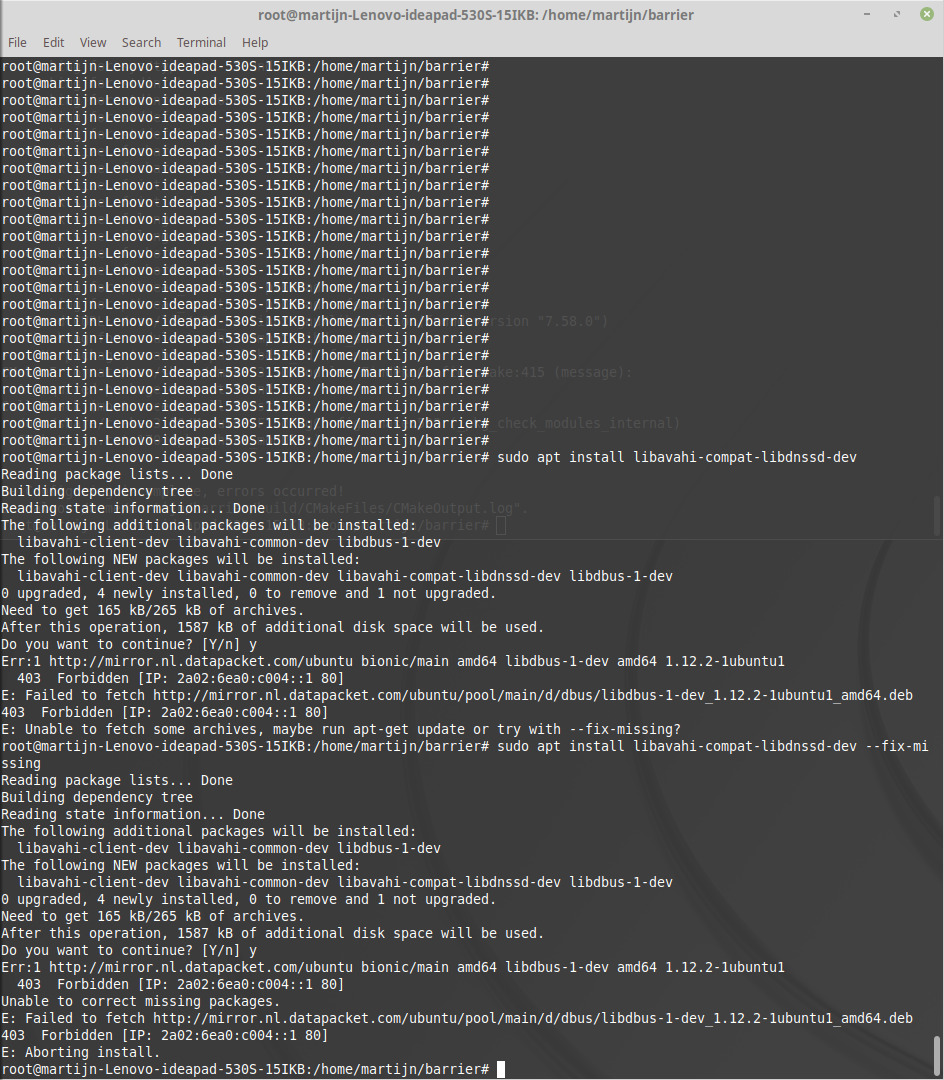
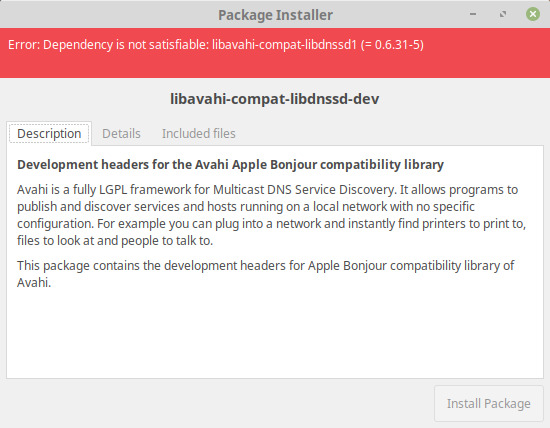
I've manually downloaded the file from debian packages and it's also comming back with errors 👎
@SirThana commented on GitHub (Sep 15, 2018):
I got a step further now, no clue how i got libavahi-compat-libdnssd-dev to work but it finally does now.
However now i run into the next issue during the ./clean-build.sh
Fatal error: openssl/ssl.h: no such file or directory #include <open/ssl.h>
Clueless what to do with it to be honest
@AdrianKoshka commented on GitHub (Sep 15, 2018):
Always use your distributions repos for downloading packages...Also now it looks like you don't have SSL development libraries installed either.
@SirThana commented on GitHub (Sep 15, 2018):
I got it up and running!
Thank you for the support i'm making a snapshot of the machine to be safe :)