[GH-ISSUE #492] Didn't work for my AOC U27N3C & intel chip MacBook pro through usb-c cable #390

Closed
opened 2026-05-05 05:53:43 -06:00 by gitea-mirror · 3 comments
Owner

Originally created by @Roderick-Stinson on GitHub (Jul 31, 2021).
Original GitHub issue: https://github.com/MonitorControl/MonitorControl/issues/492

Checklist

Describe the issue
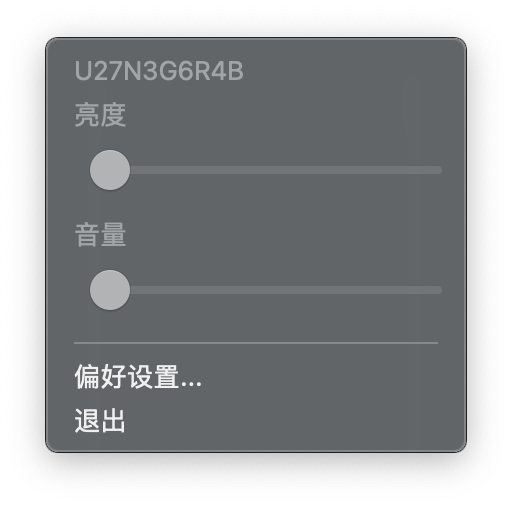
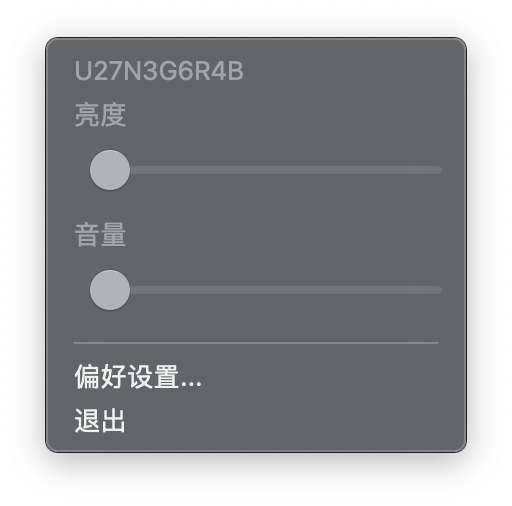
I'm using AOC U27N3C and MacBook pro-15
截屏2021-08-01 00 51 23
截屏2021-08-01 00 51 43
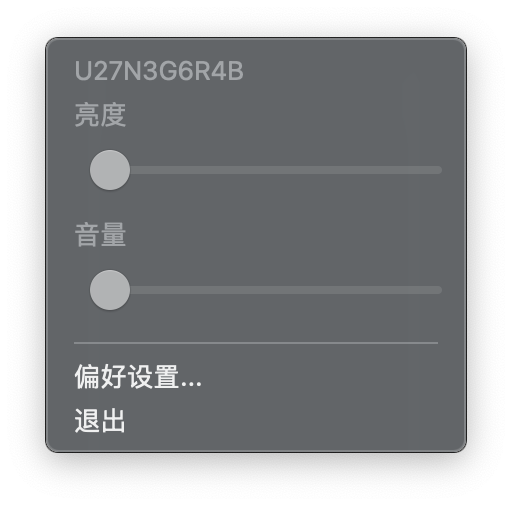
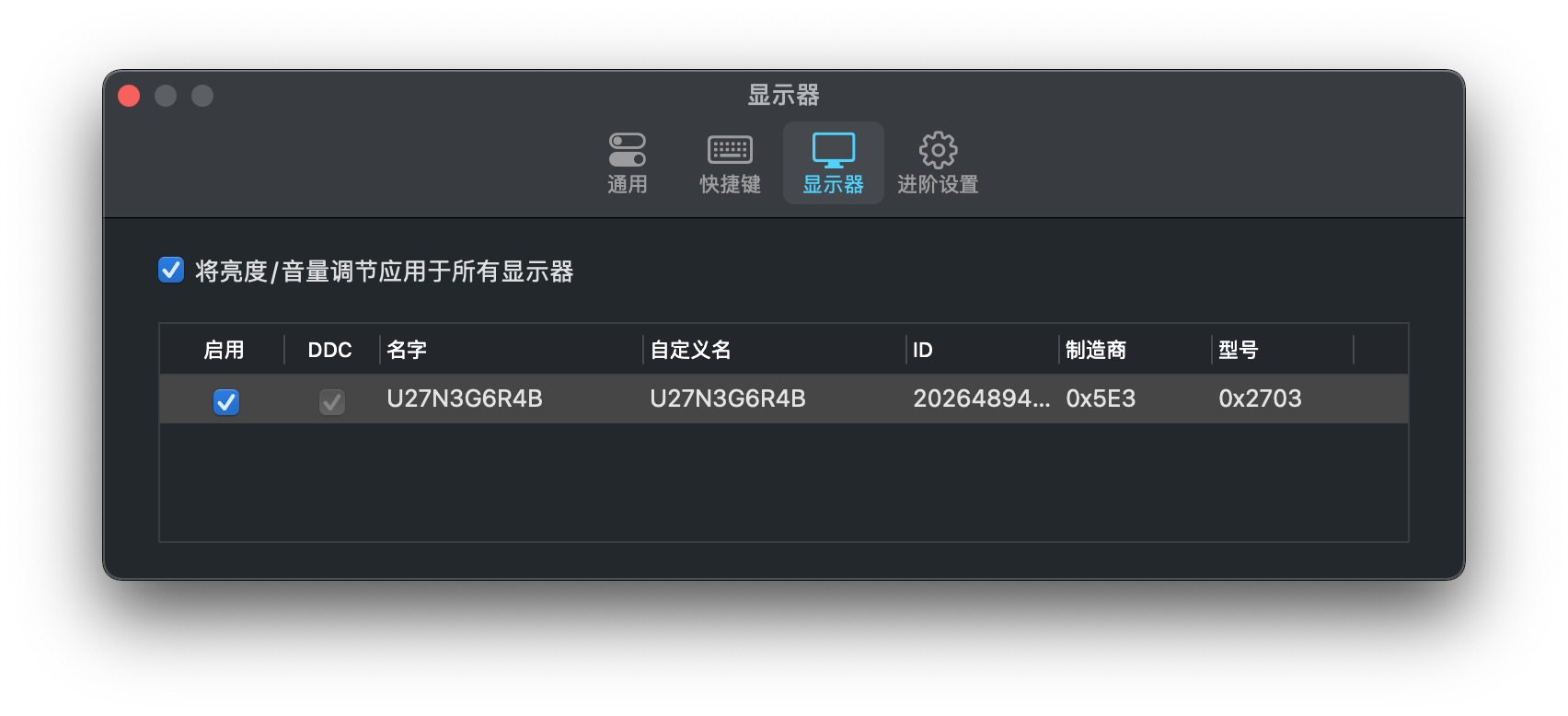
'2018which is not M1 chip. At first, I install this app and it worked perfectly. Suddenly, it doesn't work at all. The scroll bars were gray. I can drag them, but nothing changed. I couldn't change both brightness and volume. I tried to use a thunderbolt wire and I also installed ddcctl. They both didn't work.

Expected behavior
I wish I can control brightness and volume of my monitor with this app.

Screenshots
截屏2021-08-01 00 54 30
截屏2021-08-01 00 54 56

Additional context
Add any other context about the problem here.

Environment Information (please complete the following information):

  • macOS version: macOS Big Sur 11.5
  • MonitorControl version: v2.2.0 (Build 947) installed with homebrew
  • Monitor(s):AOC U27N3C
  • Mac model:MacBook pro 15' 2018
  • Monitor Cable(s)/Connection(s): (e.g. USB C )
  • Apple Silicon/M1 (yes or no):no
Originally created by @Roderick-Stinson on GitHub (Jul 31, 2021). Original GitHub issue: https://github.com/MonitorControl/MonitorControl/issues/492 **Checklist** <!-- NOTE: M1/Apple Silicon is currently not supported, see: https://github.com/MonitorControl/MonitorControl/issues/323 --> <!-- Before you submit your issue, please make sure to check the following boxes by putting an x in the [ ] (don't: [x ], [ x], do: [x]) --> - [x] I have searched for existing issues - [x] I have looked through [the Monitor Troubleshooting wiki](https://github.com/MonitorControl/MonitorControl/wiki/Monitor-Troubleshooting) - [x] I have updated MonitorControl to the latest version **Describe the issue** I'm using AOC U27N3C and MacBook pro-15 <img width="256" alt="截屏2021-08-01 00 51 23" src="https://user-images.githubusercontent.com/57530721/127746843-1c10edff-9362-4edf-8672-ee96c03ccc0d.png"> <img width="256" alt="截屏2021-08-01 00 51 43" src="https://user-images.githubusercontent.com/57530721/127746856-f10314e1-0ea2-48dc-8627-cfb9964e2760.png"> '2018which is not M1 chip. At first, I install this app and it worked perfectly. Suddenly, it doesn't work at all. The scroll bars were gray. I can drag them, but nothing changed. I couldn't change both brightness and volume. I tried to use a thunderbolt wire and I also installed ddcctl. They both didn't work. **Expected behavior** I wish I can control brightness and volume of my monitor with this app. **Screenshots** <img width="256" alt="截屏2021-08-01 00 54 30" src="https://user-images.githubusercontent.com/57530721/127746952-8662f350-902d-496b-abf2-bae5e25b19c7.png"> <img width="852" alt="截屏2021-08-01 00 54 56" src="https://user-images.githubusercontent.com/57530721/127746963-146e430f-11f4-4c8c-8f33-cd913daaabf0.png"> **Additional context** Add any other context about the problem here. **Environment Information (please complete the following information):** - macOS version: macOS Big Sur 11.5 - MonitorControl version: v2.2.0 (Build 947) installed with homebrew - Monitor(s):AOC U27N3C - Mac model:MacBook pro 15' 2018 - Monitor Cable(s)/Connection(s): (e.g. USB C ) - Apple Silicon/M1 (yes or no):no
gitea-mirror 2026-05-05 05:53:43 -06:00
Author
Owner

@JoniVR commented on GitHub (Aug 2, 2021):

Can you try v2.1.0? There's an issue with 2.2.0 at the moment.

<!-- gh-comment-id:891295588 --> @JoniVR commented on GitHub (Aug 2, 2021): Can you try v2.1.0? There's an issue with 2.2.0 at the moment.
Author
Owner

@Roderick-Stinson commented on GitHub (Aug 3, 2021):

thanks for your advice. I tried to use V2.1.0, but nothing changed. I'm pretty sure that the first time I download this app. It worked perfectly. No idea why it doesn't work now

<!-- gh-comment-id:891430778 --> @Roderick-Stinson commented on GitHub (Aug 3, 2021): thanks for your advice. I tried to use V2.1.0, but nothing changed. I'm pretty sure that the first time I download this app. It worked perfectly. No idea why it doesn't work now
Author
Owner

@JoniVR commented on GitHub (Aug 3, 2021):

Make sure to check your monitor settings if OSD is somehow disabled, some monitors have the ability to disable it and it seems to happen from time to time. Otherwise I'd recommend checking out the troubleshooting wiki

<!-- gh-comment-id:892043067 --> @JoniVR commented on GitHub (Aug 3, 2021): Make sure to check your monitor settings if OSD is somehow disabled, some monitors have the ability to disable it and it seems to happen from time to time. Otherwise I'd recommend checking out the troubleshooting wiki
Sign in to join this conversation.
No milestone
No project
No assignees
1 participant
Notifications
Due date
The due date is invalid or out of range. Please use the format "yyyy-mm-dd".

No due date set.

Dependencies

No dependencies set.

Reference: github-starred/MonitorControl#390
No description provided.