mirror of
https://github.com/debauchee/barrier.git
synced 2026-10-23 08:07:53 -06:00
[GH-ISSUE #953] "You have not filled in a valid configuraton to the barrier server. Do you want to browse for the configuration file now?" #764
Labels
No labels
HiDPI
bounty
bsd/freebsd
bsd/openbsd
bug
bug
build-infra
cantfix
critical
doc
duplicate
enhancement
fix-available
from git
from release
good first issue
help wanted
installer/package
invalid
linux
macOS
meta
needs testing
pull-request
query
question
regression
regression
v2.4.0
windows
wontfix
work-in-progress
No milestone
No project
No assignees
1 participant

Notifications
Due date
No due date set.
Dependencies
No dependencies set
Reference
github-starred/barrier#764
Loading…
Reference in a new issue
No description provided.
Delete branch "%!s()"
Deleting a branch is permanent. Although the deleted branch may continue to exist for a short time before it actually gets removed, it CANNOT be undone in most cases. Continue?
Originally created by @ghost on GitHub (Nov 21, 2020).
Original GitHub issue: https://github.com/debauchee/barrier/issues/953
This popup shows every time i try to start the server
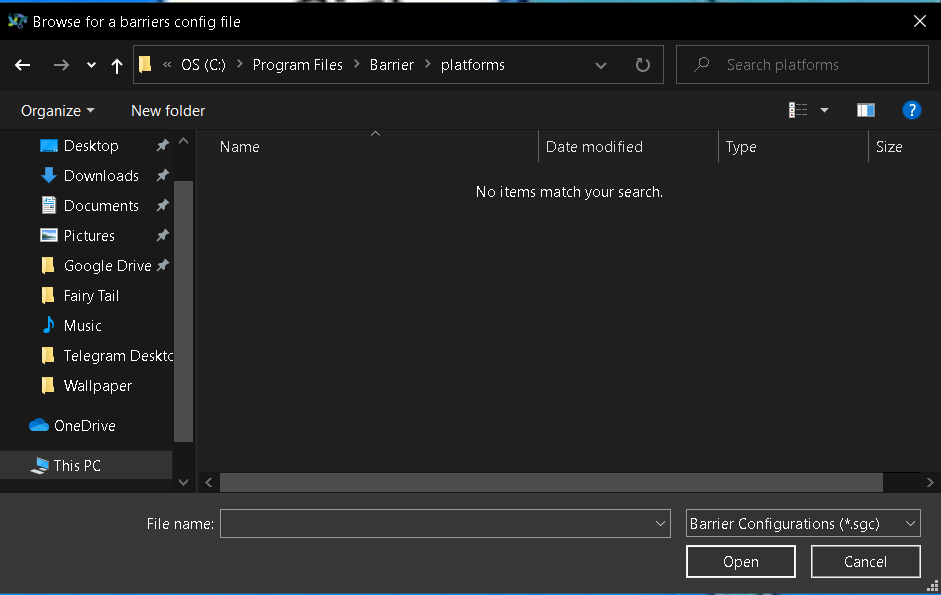

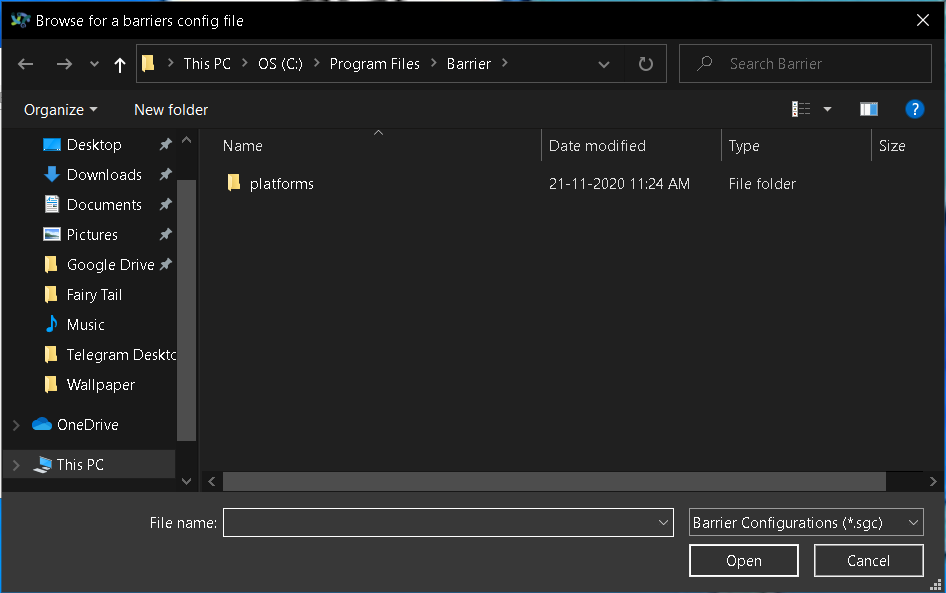
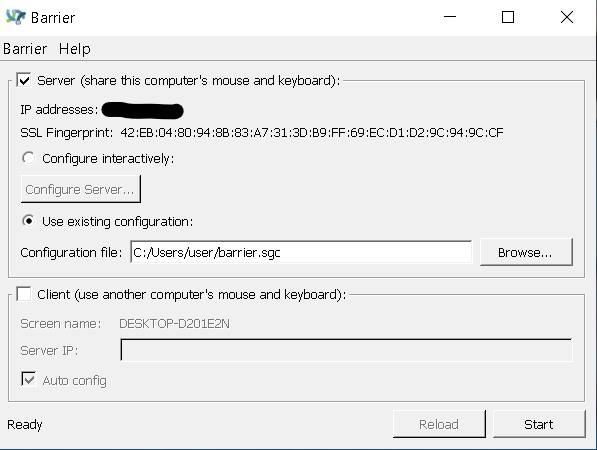
Hi. I dont know anything about programming and coding. But I really wanted a program like a barrier. I searched for tutorials but there are none that help a noob like me. I dont know what to do can someone pls help me.
@albertony commented on GitHub (Dec 9, 2020):
Unfortunately, I'm somewhat of a noob into the barrier universe myself, but I'm trying to learn and contribute... So perhaps a stupid question: Did you try the option "configure interactively" instead?
I think how it works is that the underlying barrier server executable, which runs in the background, uses a text file for configuration, By default it will look for file with name barrier.sgc in user profile, corresponding to the path shown in your screenshot. When runing from the GUI, like you do, then it can use an existing configuration file that you have already prepared ("use existing configuration"), for instance if you run sometimes from GUI and sometimes directly from command line (which is also possible, see this). But for a GUI only case, which is probably what you are looking for, you can configure everything in GUI. If you select the "Configure interactively" option and click "Configure server...", I think you will get a dialog where you can set the options. When barrier then later will start the server executable in background, it will create a temporary configuration file automatically based on the settings from GUI, and should "just work".
@ghost commented on GitHub (Dec 17, 2020):
I did the configure interactively and it worked......once. The next time I booted up the laptops Barrier isn't connecting them. The laptop I use as the server or screen A only says barrier is starting but barrier never starts