mirror of
https://github.com/MonitorControl/MonitorControl.git
synced 2026-10-23 08:07:35 -06:00
[GH-ISSUE #1250] "Dead pixel(s)" at the left bottom of the external screen appears when app is running #721
Labels
No labels
Status: Abandoned
arm64
beta
beta
bug
done
duplicate
enhancement
feedback needed from reporter
in progress
information
invalid
investigating
known Issue
monitor Issue
pull-request
translation
unable to reproduce
unreleased
x86
No milestone
No project
No assignees
1 participant

Notifications
Due date
No due date set.
Dependencies
No dependencies set
Reference
github-starred/MonitorControl#721
Loading…
Reference in a new issue
No description provided.
Delete branch "%!s()"
Deleting a branch is permanent. Although the deleted branch may continue to exist for a short time before it actually gets removed, it CANNOT be undone in most cases. Continue?
Originally created by @einsteinhead on GitHub (Dec 11, 2022).
Original GitHub issue: https://github.com/MonitorControl/MonitorControl/issues/1250
Originally assigned to: @waydabber on GitHub.
Before opening the issue, have you...?
Describe the bug
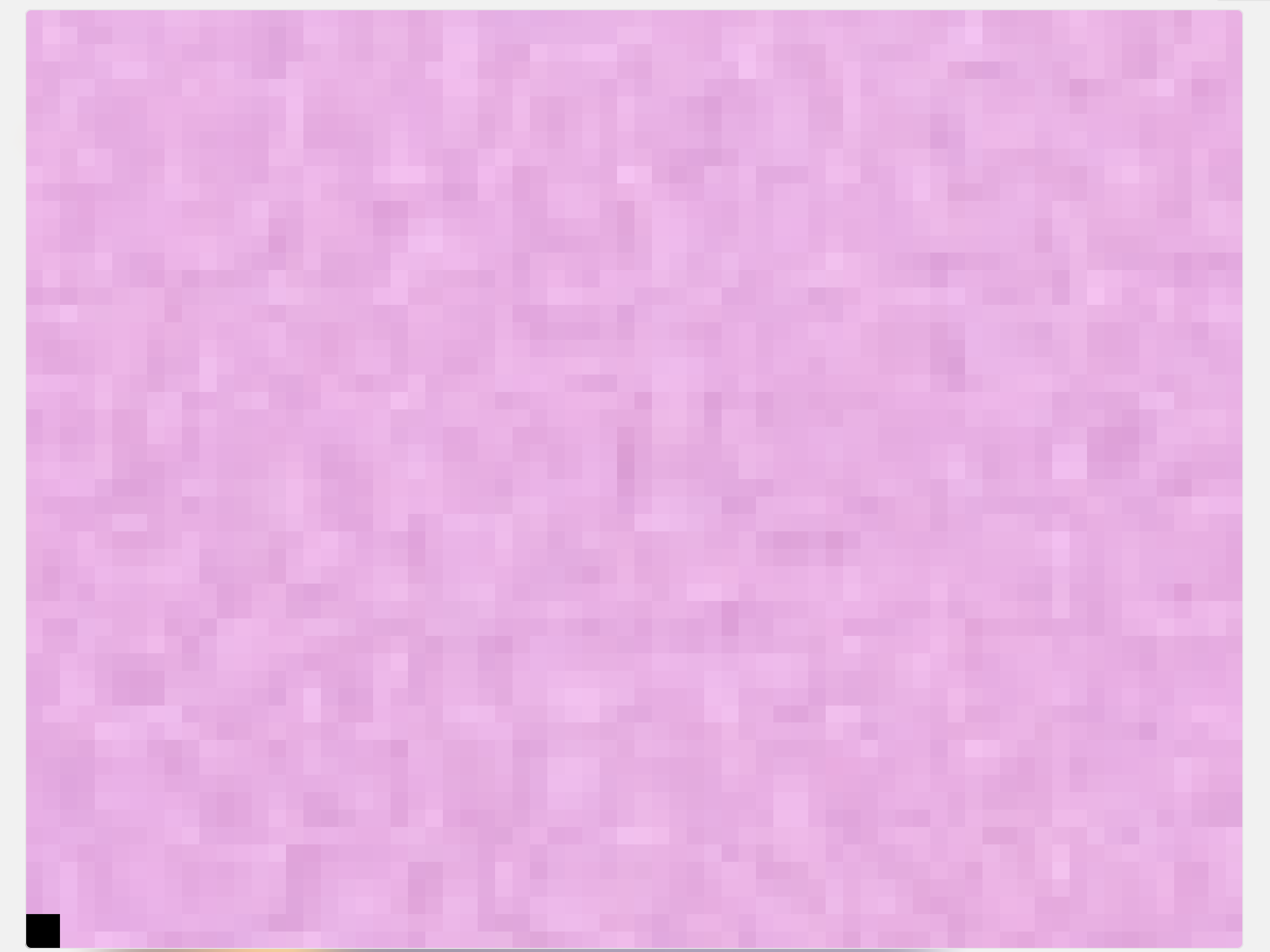
A super minor thing, but at first when I noticed it I thought it is hardware issue as it seemed as dead pixel(s) at the left bottom of the Apple Studio Display' corner. It seems it is actually the MonitorControl that puts some black pixel(s) at the corner of the external monitor when running.
Steps to reproduce
Visible at the left bottom corner of external monitor all the time while the app is running.
Expected behavior
No black or "dead-like" pixel(s) visible anywhere?
Anything else?
This is really a minor thing and doesn't bother me much, but could cause some confusion as it looks like as a monitor's hardware issue at first.
Environment Information (please complete the following information)
@waydabber commented on GitHub (Jan 11, 2023):
The app indeed puts a pixel on the screen to trigger screen update when the color table is changing for software dimming. This should not be black however as it's opacity is set to make it invisible. Are you maybe using some kind of color filter or accessibility setting that might make this pixel visible?
Can you post a picture of the problem? Thank you!
@einsteinhead commented on GitHub (Jan 11, 2023):
Seems like everything is just regular default settings for system (nothing really customised). Probably hard to see it in a picture, but it is just sitting here in the corner.
@einsteinhead commented on GitHub (Jan 11, 2023):
This is from screenshot when zooming in:
@waydabber commented on GitHub (Jan 11, 2023):
Right. That should not be there. :)
@waydabber commented on GitHub (Jan 11, 2023):
All right, I was able to reproduce the issue with MonitorControl. This did not work like this in the past, so it's strange, maybe it's a Ventura related issue? BetterDisplay does not seem to have this even though it uses a similar technique for colortable dimming (but the code is a new implementation so probably it just skipped the pitfall that manifests itself with MC).
@waydabber commented on GitHub (Jan 18, 2023):
Alpha is not set properly on the screen-refresh enforcement pixel for color table control. Similar issue as this: https://github.com/waydabber/BetterDisplay/issues/1365 (as @janisgodins pointed out).
@Ender-Wang commented on GitHub (Dec 15, 2023):
I also run into this problem today, I am migrating from my old m1 mac to the m3 max, I did not see it on my M1, so I started finding solutions what caused it.. Killing processes in the activity monitor and found out it's Moniter Control. I use Bartender and DockMate, those have screen recording access. Not sure what caused that to appear on my M3 mac, since I restored it from a time machine backup.
@shreyanshk commented on GitHub (May 25, 2024):
Confirming that it is also reproducible on my end too with MacOS 14.5 (23F79) on an M3 Pro MBP. This machine was setup from fresh and no backups were restored.
@waydabber commented on GitHub (Oct 3, 2024):
Just checked, this is indeed an issue. It's the color table activity enforcer pixel created by the app. It should be invisible, will fix it in the next release.