mirror of
https://github.com/MonitorControl/MonitorControl.git
synced 2026-06-30 06:02:00 -06:00
[GH-ISSUE #889] Add option "set brightness from built-in display" #554
Labels
No labels
Status: Abandoned
arm64
beta
beta
bug
done
duplicate
enhancement
feedback needed from reporter
in progress
invalid
investigating
known Issue
monitor Issue
pull-request
translation
unable to reproduce
unreleased
x86
No milestone
No project
No assignees
1 participant

Notifications
Due date
No due date set.
Dependencies
No dependencies set.
Reference: github-starred/MonitorControl#554
Loading…
Add table
Add a link
Reference in a new issue
No description provided.
Delete branch "%!s()"
Deleting a branch is permanent. Although the deleted branch may continue to exist for a short time before it actually gets removed, it CANNOT be undone in most cases. Continue?
Originally created by @xand3r40r93 on GitHub (Jan 12, 2022).
Original GitHub issue: https://github.com/MonitorControl/MonitorControl/issues/889
Before opening the issue, have you...?
Is your feature request related to a problem? Please describe
When I connect an external monitor to my MacBook, the brightness can be very different. It is very uncomfortable.
Describe the solution you'd like
Add option "set brightness from built-in display".
With this option, the brightness value must be copied from the built-in display after connecting.
Also, you can add "offset brightness" - is the constant that increases/decreases the built-in display brightness value.
Describe alternatives you've considered
no
Anything else?
No response
@waydabber commented on GitHub (Jan 12, 2022):
You can enable "Attempt to read display" in "Upon startup or wake". If your display is set to the right brightness upon startup. Syncing from the built-in display would need a way to properly correlate/map the varying external and internal display brightnesses, that's why MonitorControl syncs only the changes, not the absolute values.
@xand3r40r93 commented on GitHub (Jan 12, 2022):
@waydabber I have enabled this setting. But that's different. I want to synchronize brightness value from built-display after connecting to MacBook.
For example:
I worked during the day and the brightness of the monitor was 100%. Then I disconnect the MacBook from the monitor and have worked without it. At night I have connected the MacBook to the monitor and the brightness on the monitor was at 100%.
There is already a very cool "sync change brightness" option, but "sync when connected" is very needed.
@waydabber commented on GitHub (Jan 12, 2022):
Yes, I understand. A feature like this could be implemented however it will not work that well due to the brightness differences (a brightness of 50% means something totally different in term of nits for the internal display and various external displays).
@xand3r40r93 commented on GitHub (Jan 12, 2022):
@waydabber I have MacBook Pro M1 16 and Philips 288E2A. When I have enabled "combine software and hardware dimming", displays look ~ same on different brightness values. With "auto sync brightness from built-in display" it's very comfortable. But issues on startup "killing my eyes".
@xand3r40r93 commented on GitHub (Jan 12, 2022):
100/100
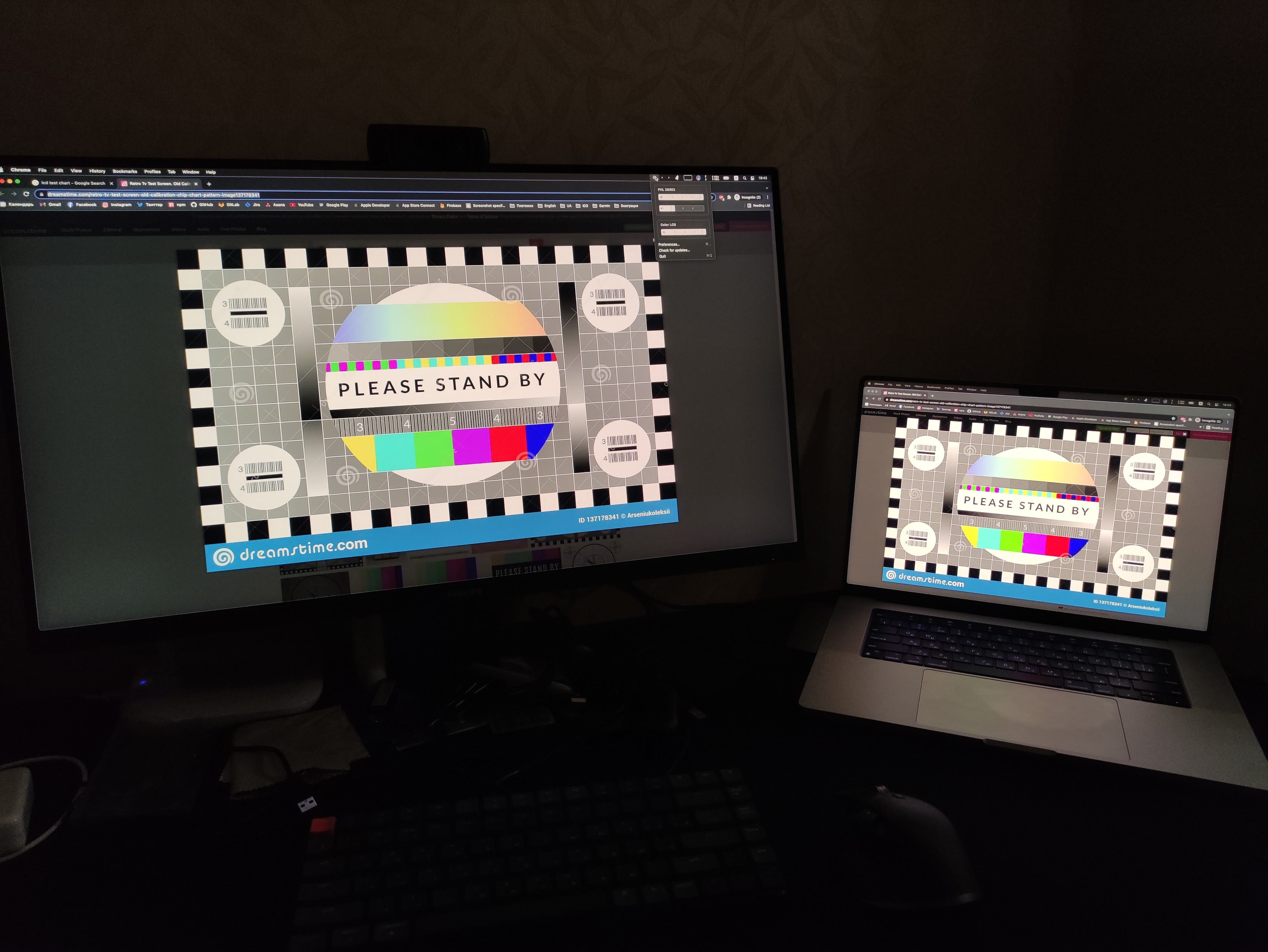
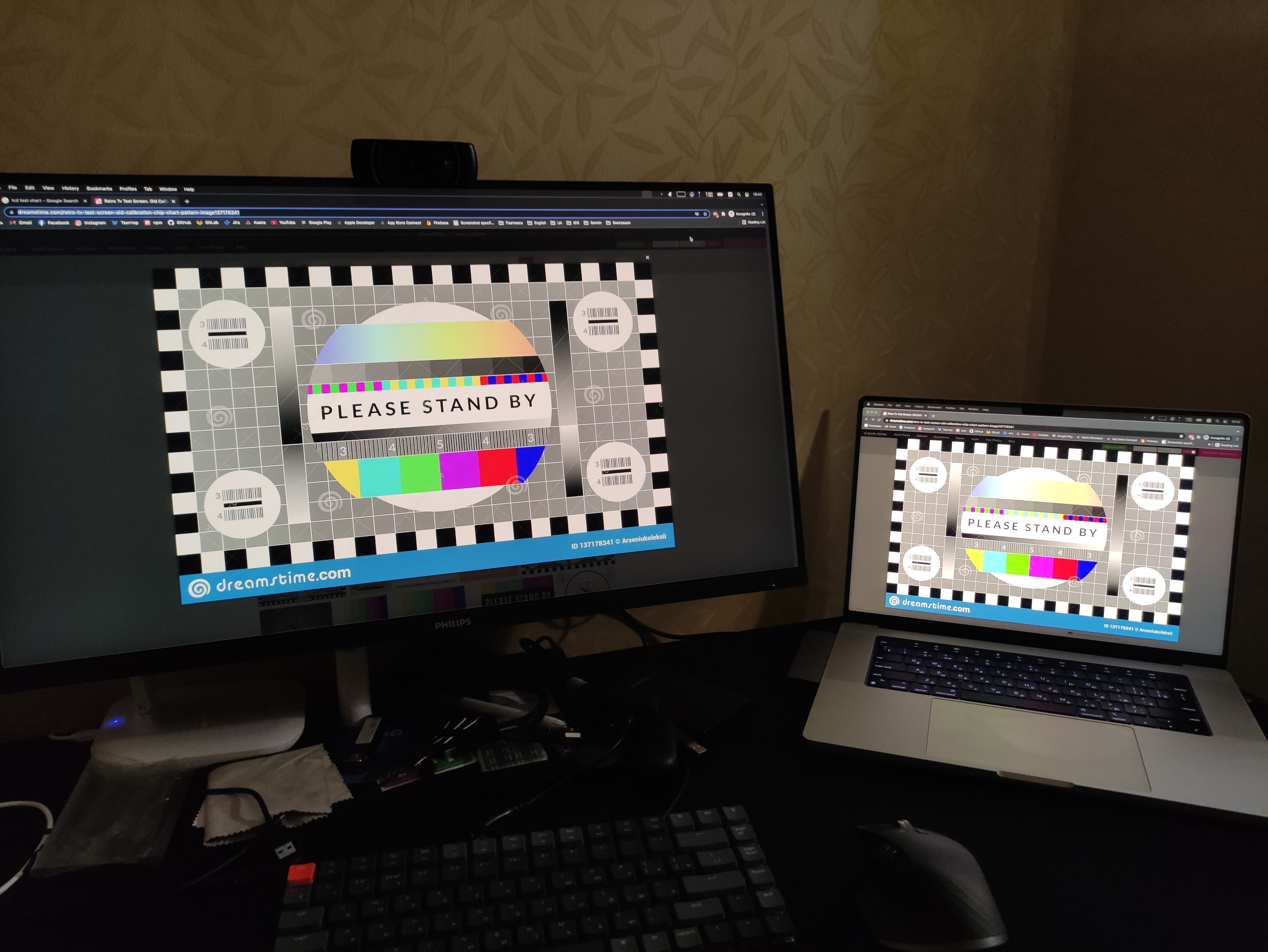
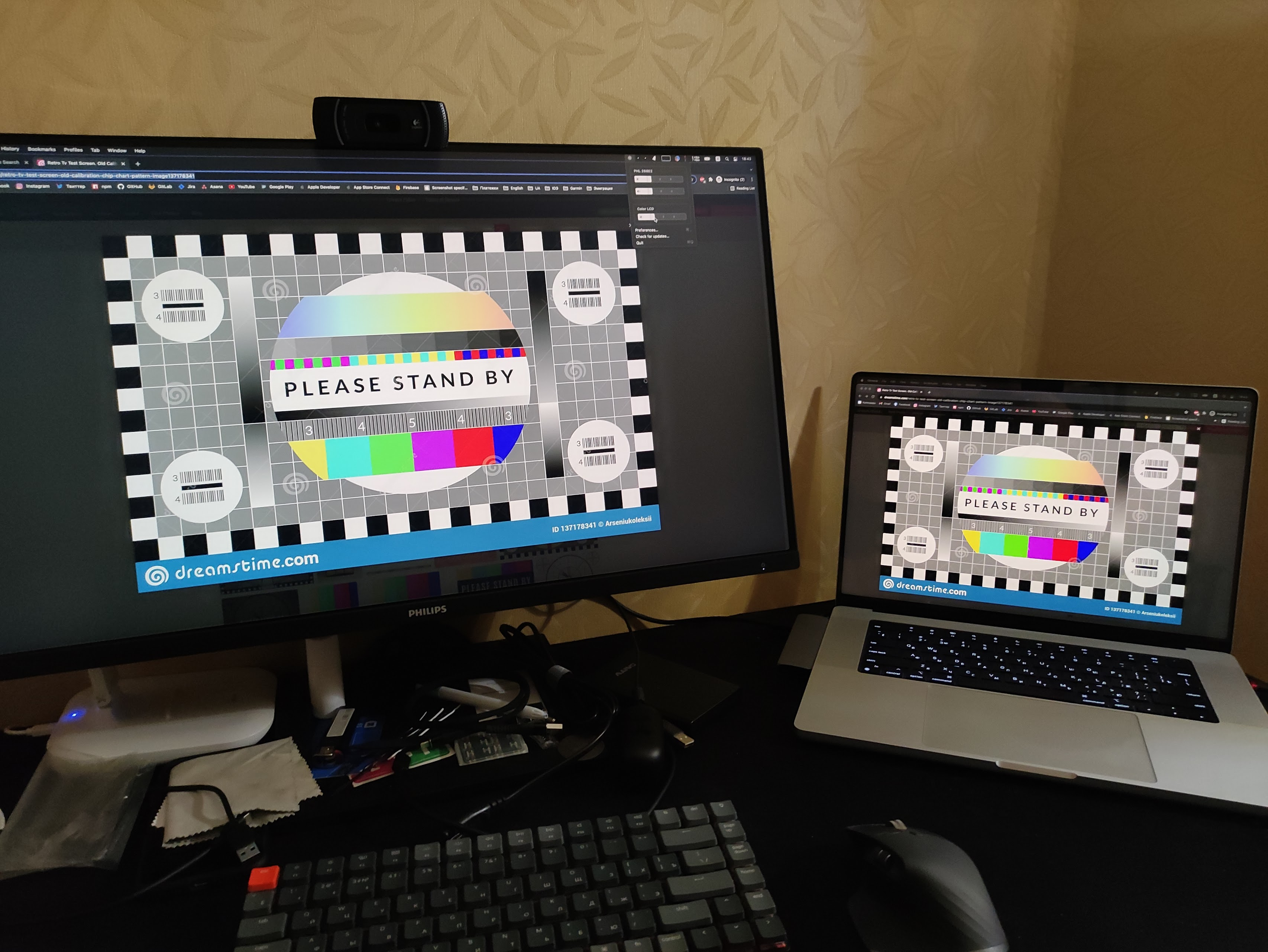
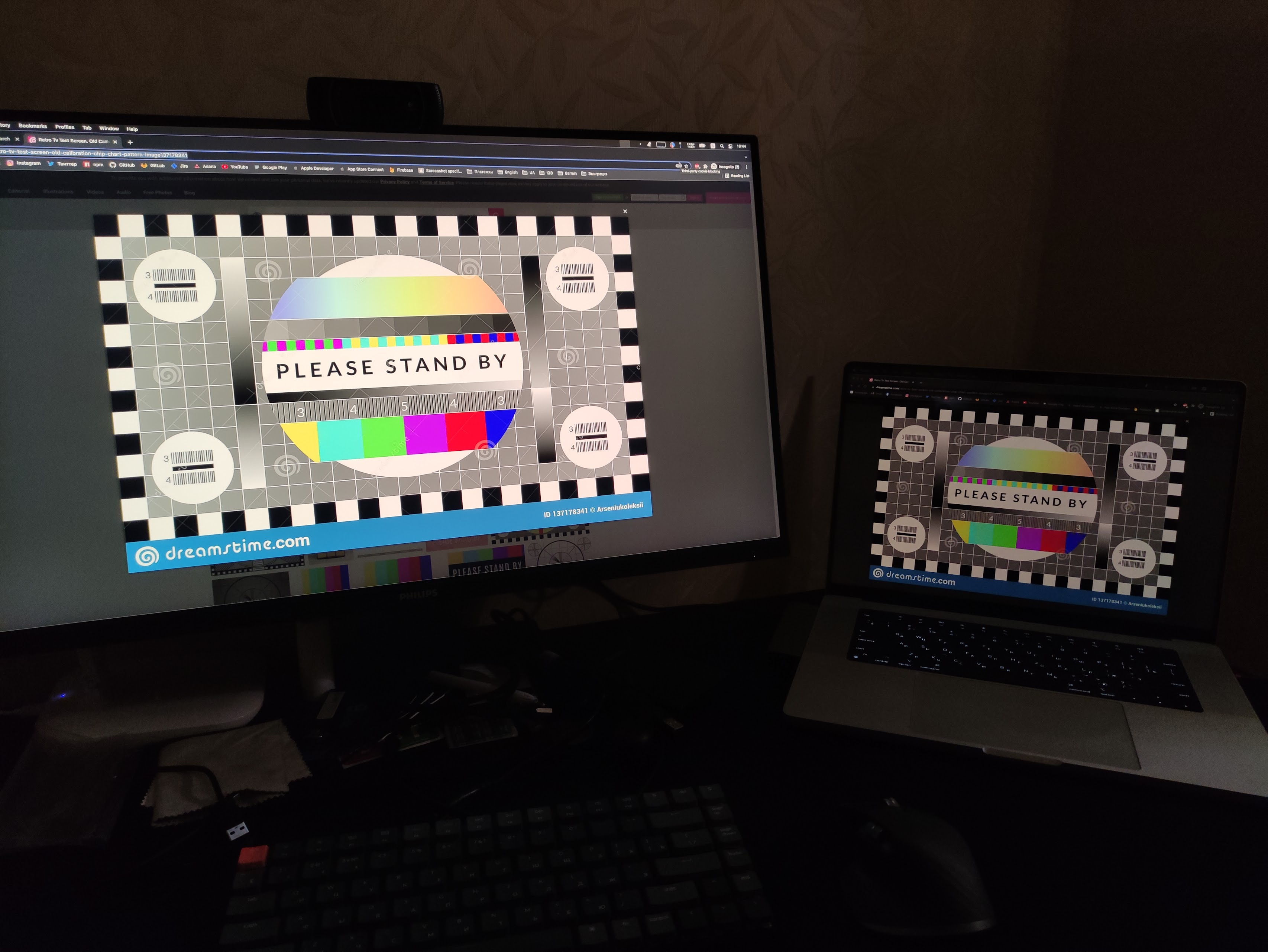
50/50
25/25
25/100
@xand3r40r93 commented on GitHub (Jan 12, 2022):
I think that differences in brightness/nits can be ~ corrected with "startup delta value".
@xand3r40r93 commented on GitHub (Jan 12, 2022):
In "sync brightness with built-in display" you are not thinking about differences in brightness/nits - just changing value with calculated delta value. I suggest just adding "startup delta value" (as an option) and after startup, sync brightness value from the built-in display with this delta value.
@waydabber commented on GitHub (Jan 12, 2022):
Yes, we can work something out, but might need a thoughtful approach to improve syncing experience and allow for absolute syncing in general. I added it as a feature request.
@xand3r40r93 commented on GitHub (Jan 12, 2022):
thanks. sounds great.
@patrickrushton commented on GitHub (Mar 11, 2022):
"Absolute" syncing would be great! I've never been in a situation where I wanted different brightness on each display.
Currently my MacBook and Dell displays have pretty much identical brightness as long as each OSD shows the same number of chiclets (thanks to the combined hardware & software dimming). But they get out of sync throughout the day, for example after waking from sleep.
@waydabber commented on GitHub (Mar 13, 2022):
@patrickrushton - absolute syncing is rather difficult especially if you want to match different display brightnesses. Some sort of calibration process should be involved and also a decision must be made what to do with the excess low/high range of some display. Absolute syncing would also reduce the brightness range to the most limited device.
@stale[bot] commented on GitHub (Mar 14, 2023):
Hey there, it looks like there has been no activity on this issue recently. Has the issue been fixed, or does it still require attention? This issue may be closed if no further activity occurs. Thank you for your contributions.