mirror of
https://github.com/MonitorControl/MonitorControl.git
synced 2026-10-23 08:07:35 -06:00
[GH-ISSUE #574] BenQ PD2725U - No Volume Control #427
Labels
No labels
Status: Abandoned
arm64
beta
beta
bug
done
duplicate
enhancement
feedback needed from reporter
in progress
information
invalid
investigating
known Issue
monitor Issue
pull-request
translation
unable to reproduce
unreleased
x86
No milestone
No project
No assignees
1 participant

Notifications
Due date
No due date set.
Dependencies
No dependencies set
Reference
github-starred/MonitorControl#427
Loading…
Reference in a new issue
No description provided.
Delete branch "%!s()"
Deleting a branch is permanent. Although the deleted branch may continue to exist for a short time before it actually gets removed, it CANNOT be undone in most cases. Continue?
Originally created by @Mactastic1-5 on GitHub (Sep 10, 2021).
Original GitHub issue: https://github.com/MonitorControl/MonitorControl/issues/574
Before opening the issue, have you...?
Describe the issue
Volume controls aren't working on BenQ PD2725U.
Expected behavior
Volume in OSD is supposed to change to the value specified by MonitorControl's Menu item and/or keyboard.
Anything else?
When I use m1ddc, it doesn't change the volume. Output is below.
Environment Information (please complete the following information)
@waydabber commented on GitHub (Sep 10, 2021):
Hey @MacarioPatrick, if m1ddc does not work either, then it is probably a display issue and cannot be solved. An other app you might want to try is Lunar by @alin23 as it has a free mode and see if that can control volume. If that doesn't work either, then probably there is no much hope I am afraid.
Please report back so we could close the issue or proceed with a fix if you find Lunar working.
@Mactastic1-5 commented on GitHub (Sep 10, 2021):
I've tried Lunar, and it doesn't control volume.
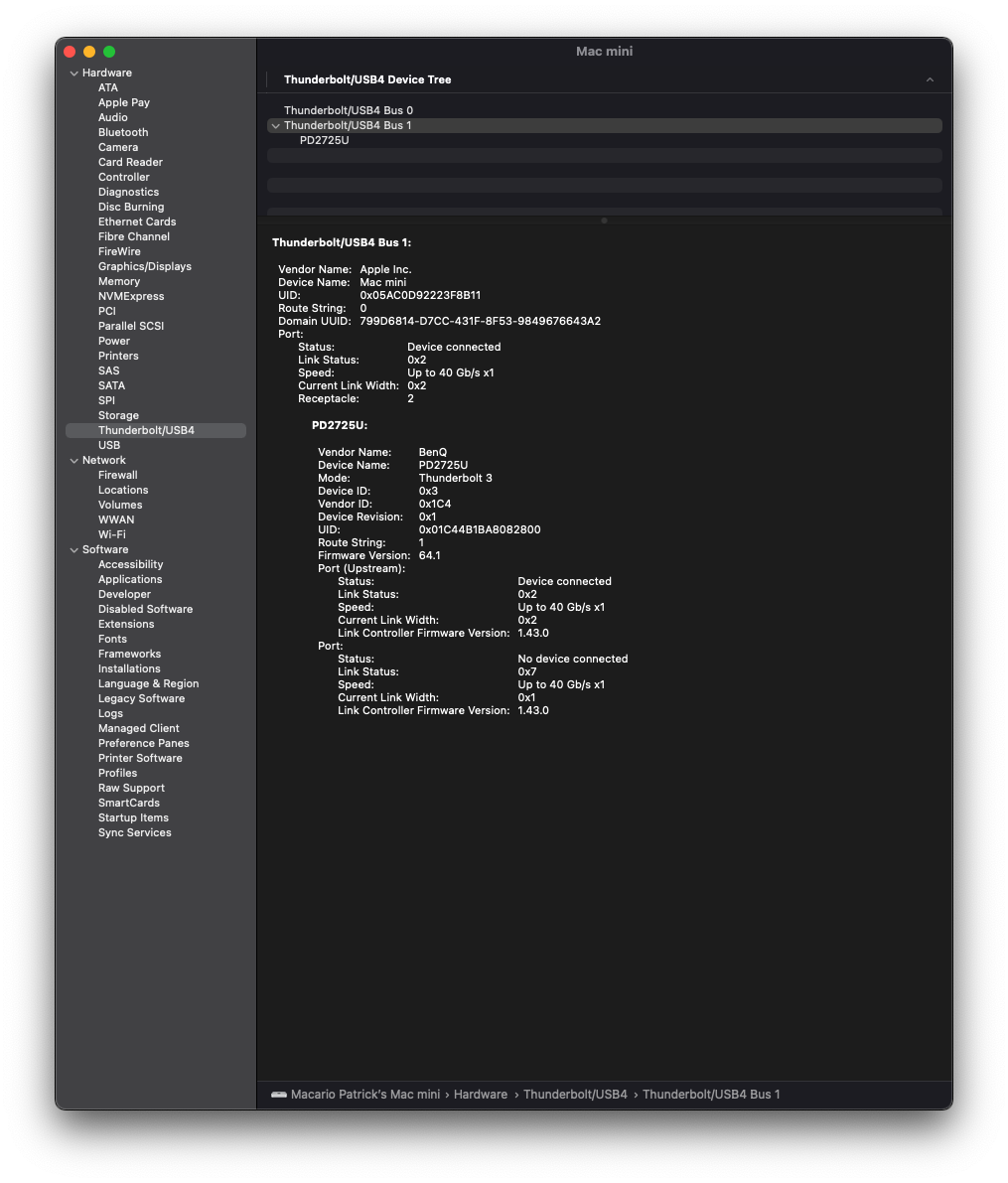
I have the Satechi Stand & Hub for Mac mini with SSD, but it's plugged directly into a Thunderbolt (USB Type-C) port on the Mac mini. Could this be interfering or something?
I'd also like to add that brightness controls reflect the brightness value in OSD, but for some reason, not volume.
@waydabber commented on GitHub (Sep 10, 2021):
No, I don't think it interferes. If brightness control works but volume doesn't then there is nothing wrong with DDC communication, only the display doesn't respond to volume commands. It is probably a display firmware issue. :( It might be possible that the display would respond to some different values or needs a speaker select command. Figuring this out would need quite bit of tinkering with the display and still might not result in a solution.
Lunar has a nice CLI (command line) mode which allows passing custom hex value control commands to the display. You could play with that. You can find out the possible commands from the VESA specification.
@waydabber commented on GitHub (Sep 10, 2021):
(I'll convert this issue to a discussion since it is not an issue that can be fixed but might be beneficial for others)